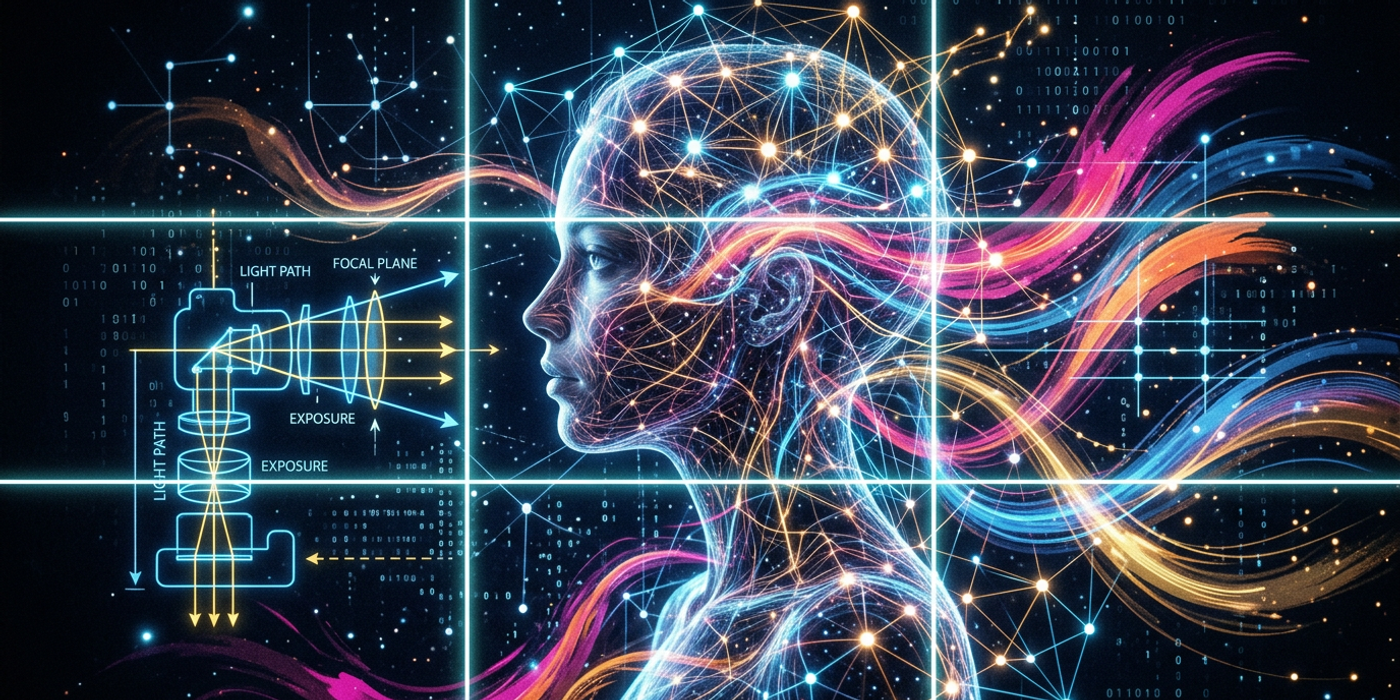
Ever wondered how AI image models handle composition, lighting, and artistic style? This technical guide explains the inner workings of diffusion models and how to prompt them effectively.
When you type a prompt into an AI image generator, you're not just describing a scene — you're asking a model that has never "seen" an image in the human sense to understand abstract visual concepts like composition, lighting, and artistic style. How does that actually work?
The short answer: AI image models don't "see" like we do. They process visual information through mathematical representations called latent space, built from billions of image-text pairs during training. But the results — images with correct framing, believable lighting, and consistent style — are remarkably good because these models have learned statistical patterns that correspond to each of these concepts.
Let's break down how AI models understand each one, and what that means for your prompts.
How AI Models Understand Composition
Composition refers to how elements are arranged within the frame. In photography and visual art, rules like the rule of thirds, leading lines, and symmetry guide the eye. AI image models learn these patterns through training data — but they don't "know" rules the way a human photographer does.
During training, the model encounters millions of captioned images containing phrases like "rule of thirds portrait", "symmetrical composition", "centered subject", or "Dutch angle shot". Through the diffusion process, the model learns to associate these textual patterns with specific spatial arrangements of pixels.
When you prompt for "close-up portrait with rule of thirds composition", the model activates latent pathways that have statistically correlated with: - Cropping patterns near the center-left or center-right thirds - Background blur (bokeh) around the main subject - Headroom and looking-room appropriate to the framing type
The model doesn't calculate thirds lines — it reproduces the pixel distributions it has statistically associated with those textual descriptions. That's why being specific about composition in your prompt makes a massive difference. "A centered product shot" and "a product shot from a low angle with the subject in the right third" produce dramatically different outputs because the training data associates different pixel patterns with each.
Lighting in AI: From Soft Box to Golden Hour
Lighting might be the single most impactful element in AI image generation, and it's also one of the most nuanced. AI models handle lighting by learning distributions of brightness, contrast, and color temperature that correlate with lighting keywords.
Consider how a model understands "golden hour":
- Pixel values across the image skew warmer (higher red/orange channel values) - Shadows are long and directional (low sun angle) - Highlights are soft but distinct - Overall exposure is balanced with warm tones dominating
Compare this to "studio lighting with soft boxes": - Even illumination across the subject - Soft, diffuse shadows - Controlled highlights on specific areas - Cooler or neutral color temperature
The model learns to manipulate pixel distributions at different stages of the diffusion denoising process. Early stages determine the broad lighting structure (is this indoor or outdoor? high-key or low-key?), while later stages refine the subtle details (where exactly do catchlights fall in the eyes?).
Multi-source lighting is tricky for AI models. A prompt like "three-point lighting" usually works well because training images of portrait photography consistently use this setup. But "a rim light from camera-left plus a warm key light from above-right" can confuse the model because this specific combination rarely appears in training data. The model may mix signals or drop one light source entirely.
Artistic Style: The Most Complex Concept
Style might seem the most subjective of the three, but it's actually the most structured from a model's perspective. AI image models learn style through a combination of:
1. Artist and movement labels — "Van Gogh style", "impressionism", "cyberpunk", "anime" 2. Technique descriptors — "oil painting", "watercolor wash", "vector art", "pencil sketch" 3. Visual properties — "high contrast", "muted palette", "thick brushstrokes", "line art"
What's fascinating is how models generalize style. A fine-tuned model trained on Van Gogh's works doesn't just memorize specific paintings — it learns a style vector that includes his characteristic brushstroke patterns, color palette choices (bold yellows, deep blues), and compositional tendencies (swirling skies, dramatic perspective).
This is why style bleed happens — when you prompt for "Van Gogh style portrait of a businessman", the model might add swirly backgrounds or yellow tints even though those don't belong in a portrait. The style vector overrides content-specific signals.
Modern models handle this better through cross-attention layers that can separate "what" (the subject) from "how" (the style). But the separation isn't perfect, which is why style modifiers need careful weight balancing.
How Models Combine Composition, Lighting, and Style
Here's where things get impressive. A diffusion model doesn't process composition, lighting, and style as separate channels — they emerge simultaneously from the same denoising process.
At the start of generation (high-noise stages), the model sets: - Broad composition (subject placement, aspect ratio) - Overall lighting mood (bright/dark/warm/cool) - Dominant style characteristics
As denoising progresses (low-noise stages), the model refines: - Precise element placement and framing - Shadow shapes and highlight positions - Texture and brushstroke details
This is why CLIP-based prompt weighting matters. If you emphasize "dramatic lighting" too heavily in your prompt, the model may prioritize lighting over everything else, producing a beautifully lit but compositionally incoherent image. The prompt becomes a competition between visual attributes, and the winner shapes the final output.
Practical Prompting Tips for Better Results
Understanding how models handle these concepts helps you write better prompts:
- Separate composition into its own clause — "A portrait of a woman, rule of thirds framing, centered face with headroom, dramatic lighting from camera-left, cinematic color grade, hyperrealistic style" works better than mixing everything together.
- Use negative prompts for lighting and composition — things like "flat lighting, overexposed, bad composition, off-center, cluttered background" tell the model to avoid specific pixel distributions.
- One dominant style per image — models handle "impressionist oil painting" much better than "impressionist with anime line art and photorealistic textures". Style mixing often produces muddy results.
- Reference well-known visual conventions — "product photography lighting", "editorial fashion lighting", "natural window light", "neon nocturne" all activate strong, consistent pattern distributions in the model because of their prevalence in training data.
- Use aspect ratio to guide composition — a 16:9 ratio naturally biases toward landscape compositions, while 9:16 biases toward vertical/portrait layouts. The model learns these associations from its training data.
Frequently Asked Questions
Q: Do AI image models understand the rule of thirds? A: They don't "know" the rule conceptually, but they've seen millions of captioned images tagged with "rule of thirds" and learned to reproduce that spatial arrangement of the subject relative to the frame. It's statistical pattern matching, not learned photography theory.
Q: Why does my AI image sometimes have weird shadows? A: The model is trying to satisfy multiple lighting cues in your prompt that contradict each other. A prompt containing both "golden hour" and "studio lighting" creates conflicting pixel distribution signals. Stick to one lighting setup for cleaner results.
Q: Can I make AI models learn my own artistic style? A: Yes — through fine-tuning (LoRA or Dreambooth) on a dataset of your own work. The model learns a style vector specific to your images that can be triggered with a unique keyword during generation.
Q: Why does style bleed happen in AI images? A: Style bleed occurs when the model's style vector overrides content-specific signals during generation. For example, prompting "Van Gogh style portrait" may add swirly backgrounds or yellow tints because the style vector dominates the cross-attention layers.
Q: How many lighting keywords should I use in a prompt? A: 1-2 specific lighting keywords is optimal. More than that creates signal conflicts. "Golden hour, soft backlight" works well — "golden hour, soft backlight, three-point lighting, rim light from camera-right, overhead fill" will confuse the model.
Q: What is the best aspect ratio for portraits with AI? A: 3:2 or 4:5 (portrait orientation) works best for single-subject portraits. The model has seen more portrait training data in these ratios. 16:9 works for environmental portraits that include background context.
Q: Can AI models create images with consistent lighting across multiple generations? A: Yes, if you use the same lighting keywords, seed, and model. For full consistency across different scenes, use reference image techniques (Image-to-Image, ControlNet) or IP-Adapter to transfer the lighting style.
Q: Why does my AI-generated product photo have no reflection or shadow? A: Many AI models default to a "floating object" look unless you specifically prompt for shadows and reflections. Add keywords like "cast shadow on surface", "subtle ground shadow", or "product on reflective surface" to trigger the right pixel distributions.