Struggling to pick between Seedream 4, Nano Banana 2, Veo 3.1, Kling 3.0, or Flux Schnell? Here's a practical framework for choosing the right AI model for your specific project — every time.
Know Your Modality First
Before you even look at model names, ask yourself one question: what are you creating?
AI models are specialised. The model that excels at photorealistic portraits won't generate a usable video. The video model that handles complex motion perfectly might produce subpar images. Your first decision isn't which brand — it's which modality.
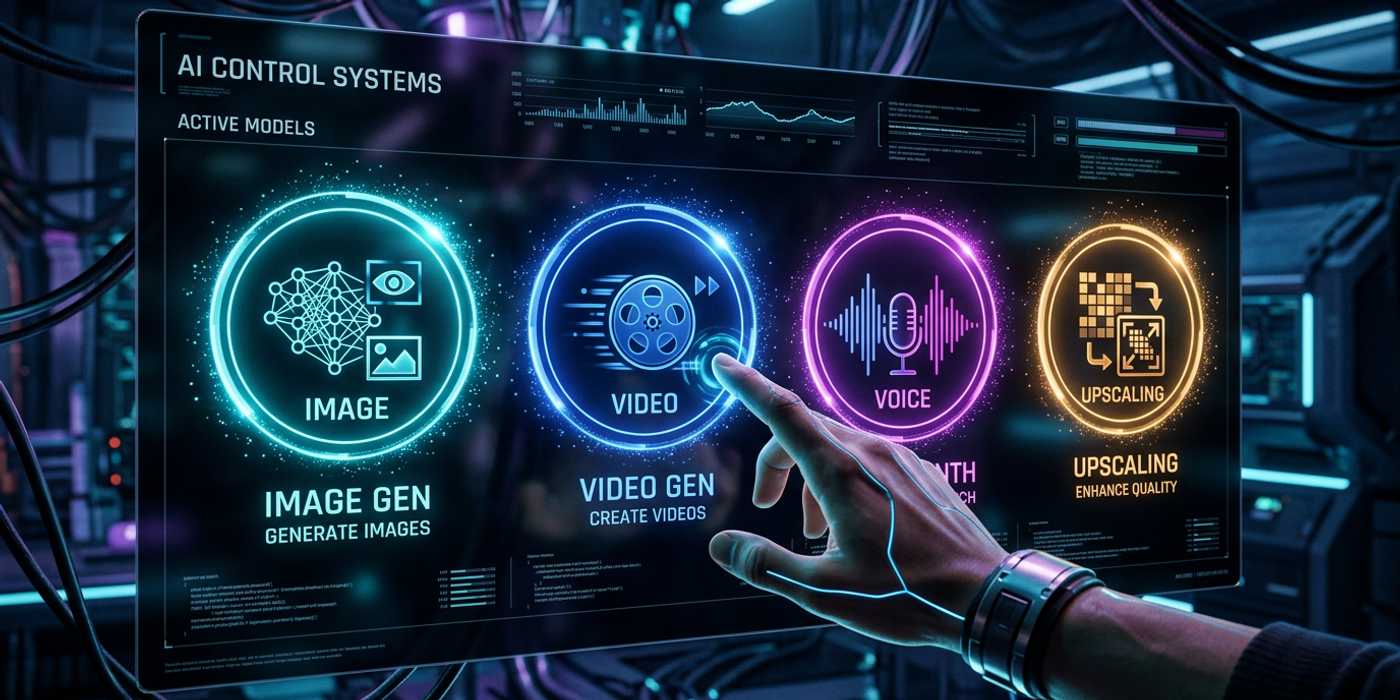
Image generation is for still visuals: product shots, social media graphics, concept art, brand assets. Video generation is for motion content: ads, explainers, cinematic sequences, social clips. Voice and audio models handle narration, music, and sound effects. Upscaling and enhancement models refine existing assets — increasing resolution, fixing noise, adding detail.
If you're creating a social media carousel, you need an image model. If you're producing a 15-second ad spot, you need video. It sounds obvious, but many creators waste credits trying to force one model type to do another's job.
Match the Model to Your Quality Bar
Once you've picked your modality, the next question is: how good does it need to be?
For professional client work — a TV commercial, a brand campaign, a film sequence — you want the highest quality available. For image generation, models like Seedream 4 and Nano Banana 2 sit at the top of the leaderboard for photorealism, prompt adherence, and stylistic versatility. For video, Veo 3.1 leads on realistic motion and natural-looking physics, while Kling 3.0 excels at creative and stylised outputs.
For internal mockups, social media content, or rapid prototyping, speed and cost matter more than absolute quality. Flux Schnell delivers impressive image quality in a fraction of the time. Stable Diffusion variants offer excellent customisation and run efficiently on consumer GPUs. For quick video drafts, Pika and Runway Gen-3 produce serviceable results fast.
The key insight: your project's audience determines the quality floor, not the ceiling. A mood board for internal review doesn't need Seedream 4 — Flux Schnell will do. A final deliverable for a paying client does.
Consider Your Style and Aesthetic
Different models have different "personalities." They're not all trained on the same data, and that shows in their outputs.
Seedream 4 leans toward vibrant, stylised imagery with excellent colour handling. It's great for creative projects where you want the AI's aesthetic to shine. Nano Banana 2 (Gemini 2.0 Flash) is more literal — it follows your prompt closely and produces photorealistic results that feel grounded. It's ideal for product shots and realistic portraits.
On the video side, Veo 3.1 produces motion that looks like it was shot with a real camera — smooth pans, natural physics, believable lighting shifts. Kling 3.0 leans more creative, with stylised motion that works well for animated content and music videos. Seedance (ByteDance) sits between them, offering strong text adherence with a slightly cinematic feel.
Think about your brand's visual identity. If you need consistent, on-brand imagery across hundreds of assets, a model that follows prompts literally (like Nano Banana 2) may be better than one with a strong creative "voice." If you're exploring concepts and want the AI to surprise you, a more creative model (like Seedream 4) is the better choice.
Speed vs. Quality: The Trade-Off You Can't Avoid
Every AI model involves a trade-off between generation speed and output quality. Understanding where your project sits on this spectrum saves you time and credits.
Real-time or near-real-time use cases — live-streaming overlays, interactive apps, rapid iterating — need fast models. Flux Schnell generates images in seconds. Nano Banana 2 is also fast, completing most generations in 2-4 seconds. For video, you generally wait longer regardless of the model, but Pika and Runway Gen-3 are on the faster end.
High-quality final outputs — client deliverables, print materials, broadcast video — are worth the wait. Seedream 4 takes longer per generation but delivers richer detail. Veo 3.1 and Kling 3.0 require more processing time but produce motion quality that's night-and-day better than faster alternatives.
A practical rule of thumb: use fast models for iterations and slow models for finals. Generate your first 20 variations with Flux Schnell to find the right composition, then run the winner through Seedream 4 for the final render.
Check Your Budget and Credit Usage
Different models cost different amounts per generation. If you're running high-volume production — say, generating 200 product shots for an e-commerce catalogue — model pricing directly impacts your bottom line.
Flux Schnell and Stable Diffusion are among the most cost-effective options. Nano Banana 2 offers strong value for its quality level. Seedream 4 sits at a premium tier, reflecting its top-tier output. On the video side, Veo 3.1 and Kling 3.0 are priced for professional use — they're not cheap, but the quality justifies the cost for client work.
Cooly Studio lets you see exact credit costs per model before you generate. When planning a project, estimate your total generation count and multiply by per-generation cost. If the number makes you wince, look at a faster or cheaper model for the exploratory phase of your workflow.
Match the Model to the Platform
Where your content will live also matters. A 4K cinematic video for YouTube demands different quality than a square-format Instagram Reel or a LinkedIn banner image.
For social media (Instagram, TikTok, LinkedIn), generation speed and format flexibility matter most. Models like Nano Banana 2 and Flux Schnell handle square and portrait formats well and generate fast enough for rapid social content calendars.
For YouTube and broadcast, video quality is paramount. Veo 3.1 and Kling 3.0 support higher resolutions and longer durations. Their motion quality holds up on larger screens.
For print and branding, image resolution and detail are critical. Seedream 4 and Nano Banana 2 both produce output suitable for print at reasonable sizes.
Cooly Studio supports all these models in one workspace — you can switch between them without leaving your project. That's the real advantage: you're not locked into one model. Use the right tool for each job.
Frequently Asked Questions
Q: What's the best AI model for photorealistic product photography? A: Nano Banana 2 (Gemini 2.0 Flash) is excellent for photorealistic product shots. It follows prompts literally, handles lighting descriptions well, and produces clean, professional results. Seedream 4 is a strong alternative if you want more stylised or dramatic product imagery.
Q: Should I use a different model for video than for images? A: Yes — always use a dedicated video model for video content. Image models generate still frames; video models understand motion, timing, and scene transitions. Veo 3.1 for realistic video, Kling 3.0 for creative video.
Q: Is Flux Schnell good enough for client work? A: It depends on the client. For mood boards, concept exploration, and internal presentations — absolutely. For final client deliverables that will be printed or displayed large, step up to Seedream 4 or Nano Banana 2 for the final render.
Q: How do I choose between Veo 3.1 and Kling 3.0? A: Choose Veo 3.1 when you need realistic motion — product demos, cinematic sequences, natural-looking character animation. Choose Kling 3.0 when you want stylised, creative motion — music videos, abstract content, artistic projects.
Q: Can I use multiple models in the same project? A: Yes, and this is often the best approach. Use a fast model like Flux Schnell for early iterations and ideation, then switch to a premium model for the final render. Cooly Studio makes this seamless — all models are available in one interface.
Q: What model is best for AI-generated portraits of people? A: Seedream 4 produces excellent portraits with natural skin tones and realistic facial features. Nano Banana 2 also handles portraits well, especially with detailed prompting. For consistent character generation across multiple images, look for models with strong prompt adherence and use reference images.
Q: Which AI model is the fastest for generating images? A: Flux Schnell and Nano Banana 2 are the fastest options currently available, with generation times of 2-5 seconds on most hardware. They're ideal for rapid iteration and high-volume production workflows.
Q: How do I know if a model supports the resolution I need? A: Check the model's specification in Cooly Studio before you start. Most modern models support at least 1K output. For 4K or higher, you may need to use an upscaling model after generation — Stable Diffusion-based upscalers work well for this.