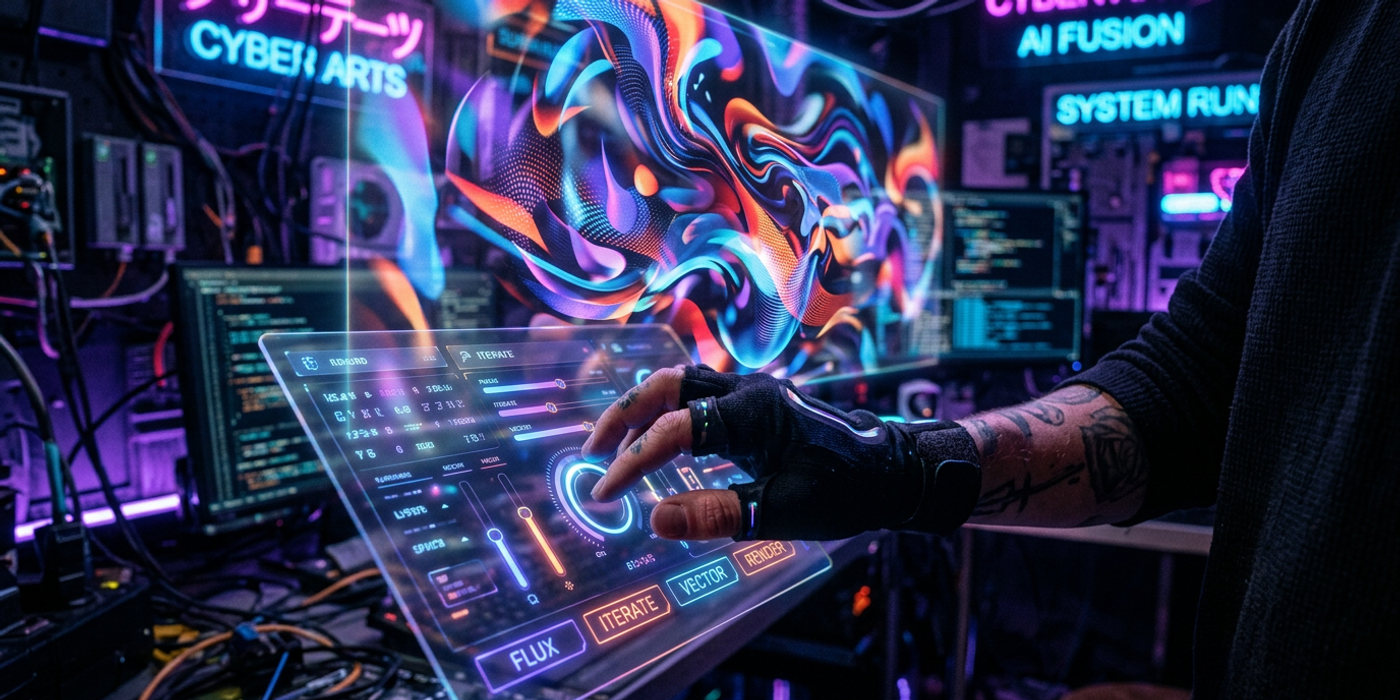
Master AI image generation in 2026 with expert prompt tips, model selection advice, and Cooly Studio tools that turn average generations into stunning visuals.
Why Your AI Images Still Look Average
If you have typed a few words into an AI image generator and gotten back something that looks nothing like what you imagined, you are not alone. Most people describe what they want, but the best results come from describing how it should look. The difference between a flat, generic image and a cinematic masterpiece is rarely the model — it is the prompt.
In 2026, AI image models like Seedream 4, Nano Banana 2, and Flux Schnell are more capable than ever. They understand composition, lighting, lens types, colour palettes, and artistic movements. The trick is learning to speak their language. This guide covers the prompt techniques that produce consistently better results, and shows how Cooly Studio makes the whole process faster and more intuitive.
Start with the Subject, Then Layer Everything Else
The most common mistake beginners make is writing a prompt that is too short. A prompt like "a cat" or "a futuristic city" gives the model almost nothing to work with. The model has to guess the lighting, the mood, the angle, and the style — and it will guess wrong more often than not.
A strong prompt follows a structured formula:
Subject + Action + Setting + Lighting + Mood + Style + Technical specs
A weak prompt: "A samurai in a forest"
A strong prompt: "A lone samurai standing in a misty bamboo forest at dawn, shafts of golden sunlight breaking through the canopy, cinematic lighting, shallow depth of field, photorealistic, 8K, shot on 35mm film"
Notice how the second version paints a complete picture. The model knows exactly what atmosphere to create. Every detail constrains the output toward a specific vision.
Use Artistic and Technical Vocabulary
AI models are trained on millions of captioned images. They understand terminology that photographers, cinematographers, and painters use. Adding one or two of these terms to your prompt can completely transform the output.
Lighting keywords: golden hour, cinematic lighting, volumetric lighting, rim light, soft diffused light, dramatic chiaroscuro, backlit, neon glow
Composition keywords: rule of thirds, leading lines, shallow depth of field, wide angle, macro shot, bird's eye view, dutch angle, close-up, full body shot
Style keywords: photorealistic, oil painting, watercolour, anime, cyberpunk, steampunk, minimalist, abstract, art deco, film grain, Polaroid, 35mm, medium format
Mood keywords: serene, ominous, joyful, melancholic, ethereal, gritty, dreamy, mysterious, tranquil, energetic
Experiment with combinations. "Cinematic lighting" paired with "neon glow" creates a very different feel than "soft diffused light" — even if the rest of the prompt stays the same.
Match the Model to the Task
Not all AI image models are the same. Each has strengths and weaknesses, and picking the right one is half the battle.
Seedream 4 excels at photorealistic portraits and detailed close-ups. It handles hands and faces better than most, making it a strong choice for human subjects.
Nano Banana 2 is the workhorse. Fast, versatile, and great across styles — illustration, concept art, product shots. It is the default on Cooly.ai for good reason.
Flux Schnell trades some detail for speed. Perfect for rapid prototyping and ideation where you want to iterate fast before committing to a high-res render.
On Cooly Studio, you can switch between models mid-session. Start with Flux Schnell to explore composition ideas, then switch to Seedream 4 or Nano Banana 2 for the final render. This workflow saves credits and time.
Negative Prompts Are Your Safety Net
Equally important as what you want is what you do not want. Negative prompts tell the model to avoid specific elements. Most people skip this step, but it is often the difference between a usable image and a throwaway.
Common negative prompts:
- "blurry, low quality, distorted, ugly, deformed" (general cleanup) - "extra fingers, bad anatomy, mutated hands" (portraits) - "watermark, text, signature, logo" (clean compositions) - "oversaturated, artificial lighting, flat lighting" (cinematic adjustments)
Cooly Studio makes negative prompts easy to add — they are a dedicated field, not something you need to cram into the prompt string.
Use Image References for Consistency
Sometimes words are not enough. If you have a specific colour palette, composition, or character design in mind, use a reference image. Most modern AI generators — including the ones on Cooly.ai — accept an image input alongside your text prompt.
Reference images are especially powerful for:
- Maintaining character consistency across multiple generations - Replicating a specific art style or colour grade - Providing a compositional starting point for the model - Combining two or more visual concepts (image-to-image blending)
Cooly Studio supports drag-and-drop image input, so you can load a reference and start iterating immediately.
Iterate, Don't Settle
Professional AI image generation is an iterative process. The first generation is rarely the final one. Treat it as a sketch.
When you get an image that is almost right:
1. Identify what is missing or wrong 2. Adjust your prompt to fix that specific element 3. Regenerate — do not start from scratch 4. Save the best variant and continue refining
Cooly Studio keeps a generation history, so you can compare variants side by side and pick the best elements from each. You can also return to any previous generation and fork it with adjusted settings — nothing is lost.
Frequently Asked Questions
Q: What is the most important element of a good AI image prompt? A: Specificity. Instead of "a landscape", say "a misty mountain valley at sunrise with pine forests and a winding river, cinematic lighting, photorealistic". Every added detail reduces randomness.
Q: Should I always use the highest resolution? A: Not necessarily. Higher resolution costs more credits and takes longer. Use 1K for drafts and social media, 2K-4K only for final renders where detail matters.
Q: Can I use Cooly.ai on mobile? A: Yes, Cooly Studio works in any browser and is fully responsive on mobile and tablet.
Q: What model should I start with for product photography? A: Nano Banana 2 produces excellent product shots. Pair it with a clean background prompt and a reference image of the product angle you want.
Q: How do I stop the model from adding watermarks or text? A: Add "watermark, text, signature, logo" to your negative prompt. On Cooly Studio, this is its own input field.
Q: Why does my character look different in every generation? A: Use a reference image and include the same descriptive keywords (hair colour, clothing, build, expression) in every prompt. Consistency requires constraining the model.
Q: How do I make AI images that look like professional photography? A: Use photography vocabulary: "shot on Hasselblad, 85mm lens, f/1.8 aperture, golden hour lighting, professional retouching, shallow depth of field". These terms trigger the model to emulate real camera output.
Q: Where can I try these techniques? A: Sign up for free at cooly.ai. Cooly Studio gives you access to Seedream 4, Nano Banana 2, Flux Schnell, and more — all with a simple interface designed for prompt experimentation.