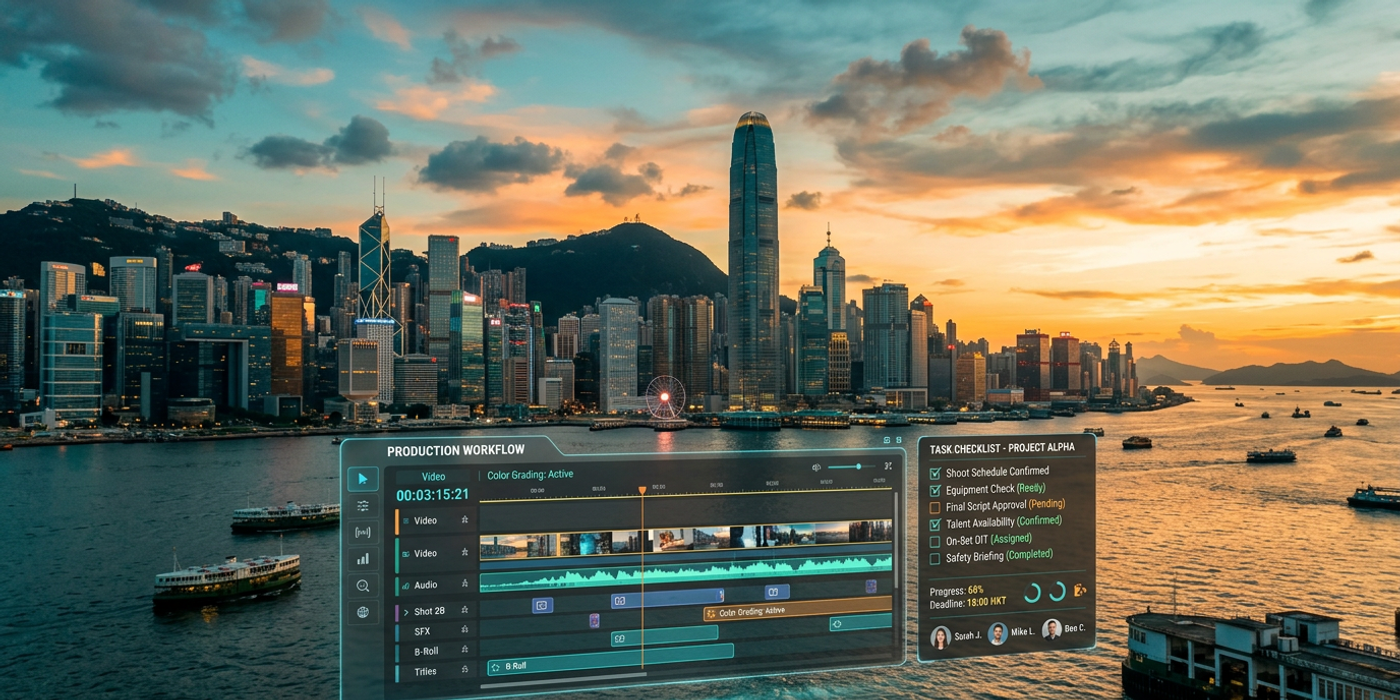
A complete AI video production checklist for Hong Kong marketers — from pre-production planning and model selection to final export and optimization.
Why Hong Kong Marketers Need an AI Video Production Checklist
Hong Kong's advertising market moves fast. Campaigns that took weeks to storyboard, shoot, and edit can now be turned around in hours — but only if you have a systematic approach. Without a checklist, it's easy to waste credits on bad prompts, pick the wrong model for your use case, or end up with footage that doesn't match your brand guidelines.
This checklist covers every stage of AI video production, tailored for Hong Kong's unique bilingual, fast-turnaround creative environment.
Pre-Production Planning
Before you generate a single frame, get these fundamentals right.
Define Your Video Format
Are you making a 15-second social clip for Instagram Reels, a 60-second explainer for a client pitch, or a long-form brand film? Different formats need different settings:
- Short-form (15-30s): Square (1:1) or vertical (9:16) for Instagram, TikTok, Reels - Medium-form (30-60s): Landscape (16:9) for YouTube, LinkedIn, client decks - Long-form (60s+): Consider combining multiple AI clips with traditional editing
Set Your Brand Constraints
Note down your brand's visual identity before prompting. Hong Kong agencies serving clients like HSBC, Lee Kum Kee, or the Tourism Board need strict brand consistency:
- Brand colours (HEX codes) - Typography preferences - Tone of voice (formal, playful, educational) - Any restricted imagery (no competitors, no offensive stereotypes)
Budget Your Credits
AI video generation costs credits per second. A typical workflow for a 30-second ad might use 10-15 generations (30 credits minimum on Cooly Studio). Plan your iterations upfront so you don't run out mid-project.
Choosing the Right AI Video Model
Not all AI video models are created equal. Here's how to pick the right one for your campaign.
Veo 3.1 — Best for Cinematic Realism
Google's Veo 3.1 excels at realistic motion, camera control, and natural lighting. It's the best choice for premium brand content, product showcases, and anything needing a film-grade look. Use it when your client demands "cinematic quality" — it delivers consistent 1080p output with smooth camera movement.
Kling 3.0 — Best for Creative Flexibility
Kling 3.0 handles stylised content particularly well — animations, abstract visuals, and creative transitions. If your brief calls for something more artistic or experimental, Kling is your go-to. It also supports longer generations than some competitors.
Seedance — Best for Fast Turnarounds
When the client needs something by end of day, Seedance offers the fastest generation times without sacrificing too much quality. It's ideal for internal mockups, A/B testing creative directions, and rapid prototyping.
Pro tip: Use Cooly Studio to compare outputs from all three models side by side before committing to a production run.
Writing Effective Video Prompts
Prompting for video is different from prompting for images. You're asking the model to understand motion, timing, and sequence — not just a static composition.
Structure Your Prompt Like a Shot List
A strong video prompt has three parts:
1. Subject and action: "A woman in a red cheongsam walks confidently through a modern Hong Kong office" 2. Camera direction: "Slow tracking shot, shallow depth of field, warm golden hour lighting" 3. Mood and style: "Cinematic, professional, high contrast, 4K, no lens flare"
Use Negative Prompts for Video
Just like in image generation, negative prompts help you avoid common AI video artifacts. Add negatives like "blurry, choppy motion, morphing faces, inconsistent lighting, flickering" to clean up your results.
Examples by Use Case
Product showcase: "A sleek bottle of premium soy sauce on a marble countertop, soft studio lighting from the left, slow 360-degree orbit, shallow depth of field, professional product photography style"
Brand documentary: "A chef's hands preparing dim sum in a busy Hong Kong kitchen, steam rising, warm tungsten lighting, steady handheld camera feel, documentary style"
Social media ad: "A young professional checking their phone in a Central café, coffee cup on table, fast-paced cuts, bright natural lighting, TikTok-style vertical format"
Post-Production and Editing
Raw AI video is rarely ready for final delivery. Treat it like footage from a traditional shoot — you still need to edit it.
Key Post-Production Steps
- Cut and assemble: Use your editor of choice (DaVinci Resolve, Premiere Pro, CapCut) to arrange your best takes - Add sound: AI-generated video has no audio. Layer in background music, voiceovers, and sound effects - Colour grade: Even the best AI models benefit from a quick colour pass for brand consistency - Add text overlays: For Hong Kong audiences, bilingual subtitles (English + Traditional Chinese) are essential - Check for artifacts: Watch for flickering, warping faces, or inconsistent objects between frames
AI-Assisted Post-Production
Tools like Cooly Studio let you iterate on specific clips without regenerating everything. If one shot in a sequence is off, regenerate just that shot — don't throw away the whole batch.
Localization for Hong Kong Audiences
Hong Kong is a unique market. Your AI video production workflow needs to account for bilingual delivery and local cultural context.
Bilingual Production Tips
- Generate video clips without text first, then add Chinese and English text overlays in post - Use AI voice generation for Cantonese voiceovers — it's cheaper than hiring a VO artist for test versions - Check that cultural references land correctly: a "business district" shot should look like Central or TST, not Manhattan
Delivery Formats
Hong Kong audiences consume video across multiple platforms: - YouTube — 16:9 landscape, traditional Chinese subtitles preferred - Instagram / Facebook — 9:16 vertical, short-form, bilingual captions - LinkedIn — 16:9 or 1:1, professional tone - WhatsApp / WeChat — Optimise for mobile viewing (under 30 seconds)
Export and Distribution Checklist
Before hitting publish, run through this final quality gate:
- [ ] Resolution matches platform requirements (1080p minimum) - [ ] Aspect ratio is correct for the target platform - [ ] Bilingual subtitles are hardcoded or available as SRT - [ ] Brand colours and logos are correctly applied - [ ] File size is optimised (H.264 compression, under 50MB for social) - [ ] CTA (call to action) is clear and on-brand - [ ] Tested on mobile and desktop playback - [ ] Client approval obtained (save iterations for revision history)
Frequently Asked Questions
Q: How long does it take to produce a 30-second AI video for a Hong Kong client? A: With a proper checklist and the right tools, you can go from brief to final export in 2-4 hours. This includes prompt iteration (30-45 mins), generation (20-30 mins across models), post-production (45-60 mins), and client review (varies).
Q: Can AI video handle Cantonese voiceovers? A: Yes. AI voice generation tools in Cooly Studio support Cantonese with natural-sounding outputs. For premium work, consider using AI for scratch tracks and a professional VO artist for the final cut.
Q: Which AI video model is best for Hong Kong real estate marketing? A: Veo 3.1 is the strongest choice for real estate walkthroughs and property showcases — it handles interior lighting and camera movement better than most competitors. Use Kling 3.0 for stylised renderings of unbuilt developments.
Q: How many generations should I budget for a typical client campaign? A: Plan for 10-15 initial generations, then 5-10 refinement iterations. Most Hong Kong agencies using Cooly Studio report spending 30-50 credits per finished 30-second video, including test runs.
Q: Should I tell clients we're using AI video production? A: Increasingly, yes. Hong Kong clients in 2026 are AI-aware — many expect it as a cost-saving measure. Frame it as "AI-assisted production" to highlight efficiency without downplaying the creative direction you provide.
Q: What's the minimum viable setup for an AI video production workflow? A: A Cooly Studio account, one good video model (start with Veo 3.1), a basic video editor (CapCut or DaVinci Resolve), and this checklist. Total setup time: under an hour.
Q: Can AI video replace traditional production entirely? A: Not yet — but it's a powerful complement. Use AI for concept visualisation, rapid iterations, social content, and low-budget campaigns. Reserve traditional production for high-budget TVCs, celebrity shoots, and complex location work where AI still falls short.
Q: How do I ensure brand consistency across multiple AI video generations? A: Maintain a shared prompt library with your brand's approved camera angles, lighting descriptions, colour palette references, and negative prompts. Cooly Studio lets you save and reuse prompt templates across projects.